Master you Keyboard: the Power of Fast Typing
Written By  Idriss Douiri
Updated On
4 min read
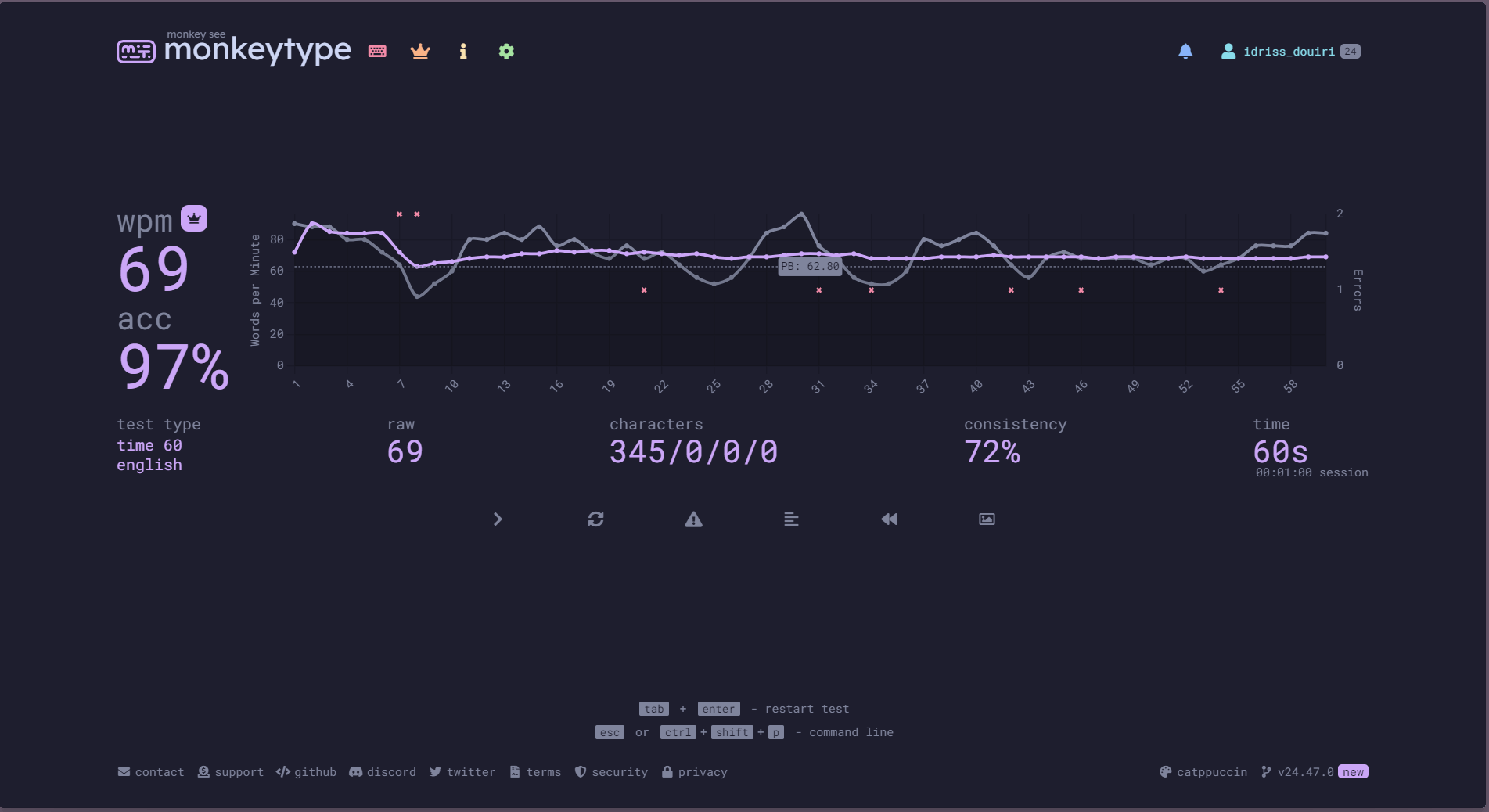
When I first started, my typing was so slow that my thoughts were always racing ahead of my fingers. Now, after mastering a few key techniques, I type at 70 words per minute, and you can too!
The Benefits of Fast typing
Fast typing is a skill that can be easily acquired and saves a lot of time. By mastering this skill, you can focus more on the important stuff while letting your fingers do the rest. It can also improve your health by ensuring proper posture.
How to Learn Fast Typing
Test Your Speed
Measure your typing speed consistently and keep track of your progress to stay motivated. Set goals for yourself and aim to surpass the average typing speed of 40wpm (words per minute).
Click the text below and start typing the words on the screen to measure your current speed.
67WPM
60
seconds
WPM
89%
accuracy
Tips
Ctrl + Backspace delete the whole wordMaster Touch Typing
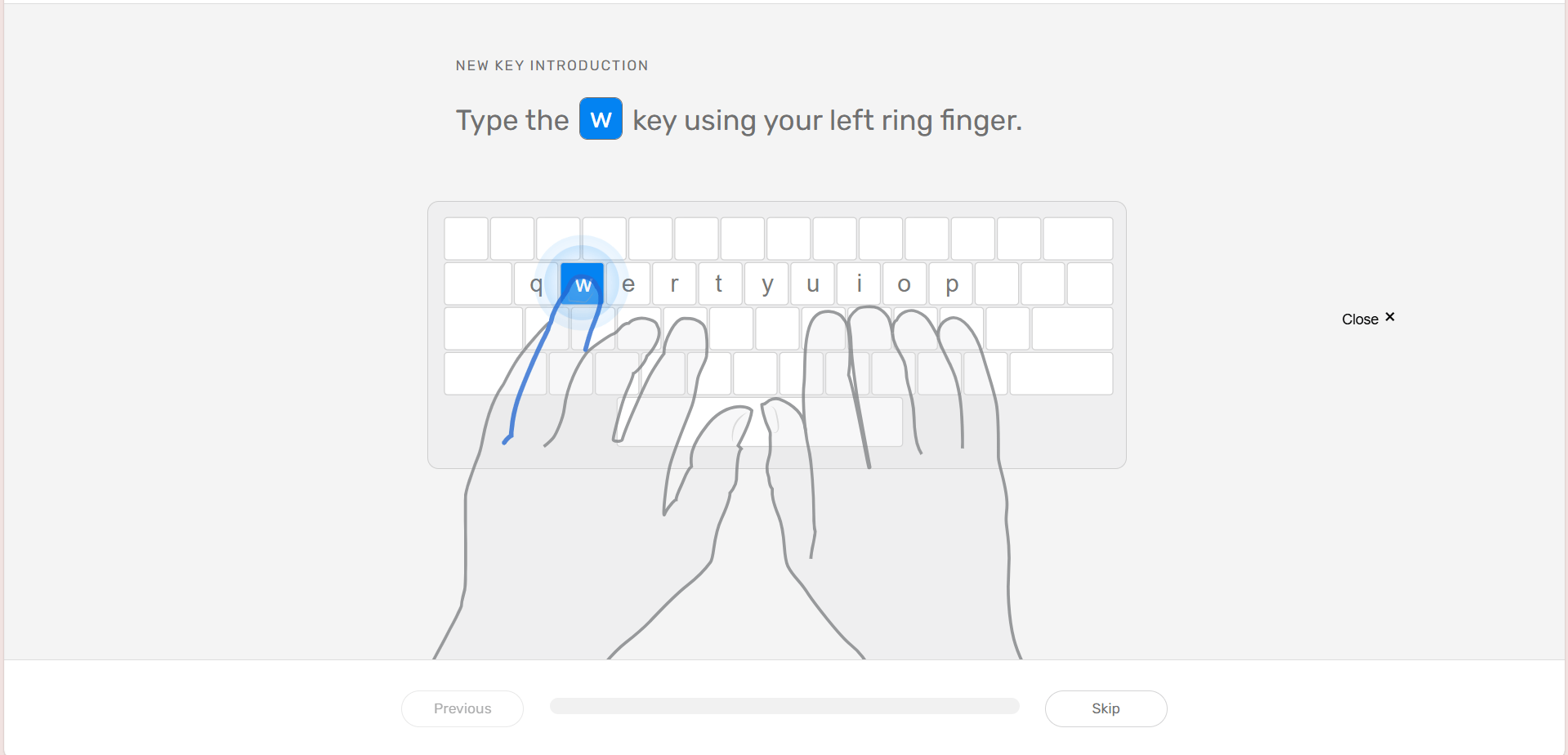
You can’t type fast if you keep looking at the keyboard. Touch typing is a technique that involves using all your ten fingers to type without looking at the keyboard to build muscle memory for each key location.
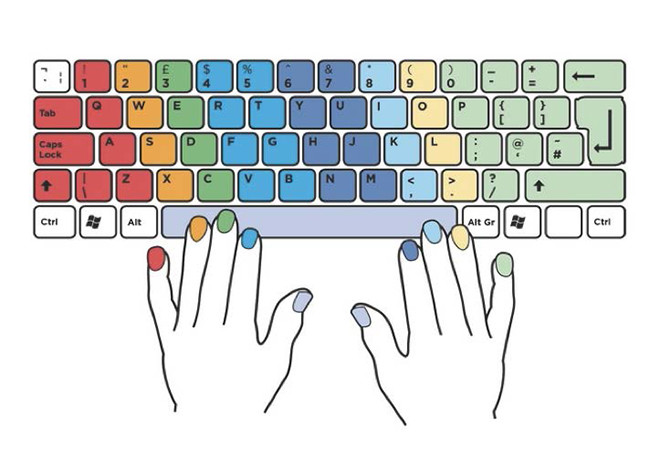
To start, place your index fingers on f and j, you can feel that little bump in order to easily find them. Now spread your fingers on that row by putting your left hand on asdf and your right hand on jkl;, this middle row is called the home row, return to it after each keystroke.
Each finger is only allowed to typing the keys in its column, as showen in the image:
Invest in a Good Keyboard
Keyboards are built differently and each comes with a different experience, and finding what works best for you is an essential step to mastering fast typing. That’s why many writers prefer mechanical keyboards instead of traditional ones, particularly those with tactile switches, as they provide clear feedback when the keypress is registered.
Choosing the right mechanical keyboard can feel overwhelming. If you’re unsure where to start, consider opting for a keyboard with Cherry MX Brown switches, a popular choice among typists due to their versatile tactile feedback and balanced feel.
Aim for Accuracy, Not Speed
Initially, focus on typing accurately rather than quickly. Rushing through typing can lead to errors, slowing you down as you backtrack to correct them. As you develop muscle memory and proficiency, speed will naturally improve
Use Keyboard Shortcuts
Navigating between your keyboard and mouse can significantly reduce typing efficiency and productivity. Mastering keyboard shortcuts is a powerful strategy to streamline your workflow, minimize cursor movement, and dramatically increase typing speed across different applications.
Here is a list of key Shortcuts to Accelerate Your Workflow:
- Delete Entire Words: Ctrl + Backspace
- Copy Text: Ctrl + C
- Cut Text: Ctrl + X
- Paste Content: Ctrl + V
- Undo Recent Actions: Ctrl + Z
- Redo Previous Actions: Ctrl + Y
- Select All Text: Ctrl + A
- Move Cursor by Word: Ctrl + ←/→
- Select Multiple Words: Ctrl + Shift + ←/→
Remember, practicing your newly acquired shortcuts is the key to building your muscle memory and typing efficiency.
Resources to Learn Fast Typing
Here is a list of my favorite typing website:
- typingclub: A free touch typing learning platform, that offers bite-sized lessons and fun little typing games.
- typing.com: Offers touch typing lessons similar to typing club.
- monkeytype: A minimal and customizable typing speed test website to keep track of your progress
- typeracer: A car ricing game based on typing, the faster you type the faster your car moves.
- Ztype: A Typing shooter game, shoot rocks by typing the words on them.