How to Trigger "Unsaved Changes" Alert in Your Web App to prevent Data Loss
Written By  Idriss Douiri
Updated On
3 min read
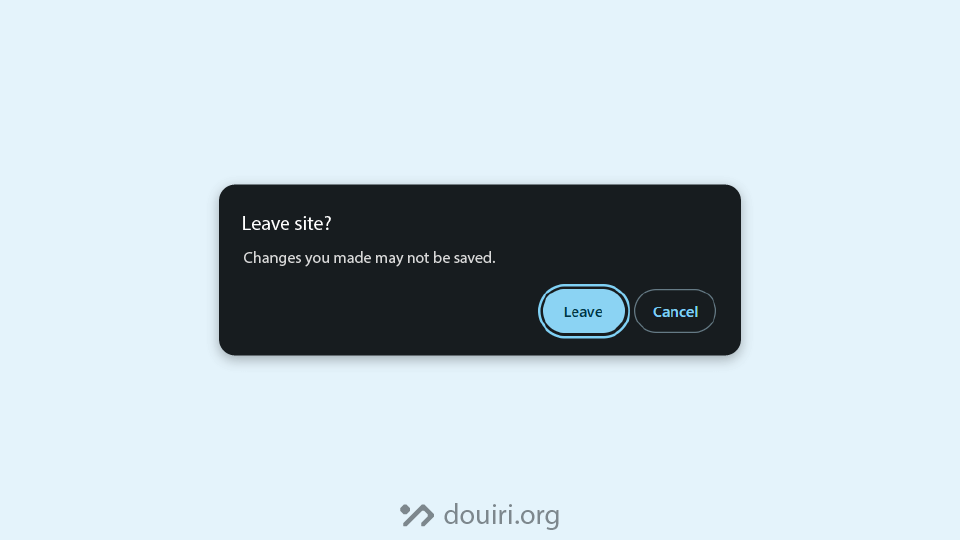
Say you are typing some notes on a note-taking website, and after you are done writing, you close the tab, thinking that your changes were saved automatically, only to find out that nothing has been saved next time.
This is a bad user experience. It would be great if the website showed a confirmation alert to tell you that your changes are not saved, preventing data loss.
Luckily, the javascript beforeunload event makes implementing this feature easy for us. And every website should implement it if applicable.
What is the beforeunload event?
The beforeunload is a browser event that fires when the page is about to be unloaded, meaning that it can be triggered when the user:
- reloads the page
- close the tab
- navigate to another document
Browser Support:


How do we show this native confirmation dialog?
The modern approach is to listen for a browser event called beforeuload, and call the preventDefault() method on the event object.
Additionally, for older browsers, we set the event.returnValue to an empty string.
window.addEventListener("beforeunload", (event) => {
  event.preventDefault(); // Required for modern browsers
  event.returnValue = ""; // Required for old browsers
});
beforeunload Event Usage Best Practice
For performance reasons, we should only listen to this event when the user has unsaved changes on the page and remove the listener when there is no state to be lost.
Here is an example by MDN showing best practice use:
<form>
  <input type="text" name="name" id="name" />
</form>

<script>
const beforeUnloadHandler = (event) => {
  // Recommended
  event.preventDefault();

  // Included for legacy support, e.g. Chrome/Edge < 119
  event.returnValue = true;
};

const nameInput = document.querySelector("#name");

nameInput.addEventListener("input", (event) => {
  if (event.target.value !== "") {
    window.addEventListener("beforeunload", beforeUnloadHandler);
  } else {
    window.removeEventListener("beforeunload", beforeUnloadHandler);
  }
});
</script>
In this example, we only listen for the beforeunload event when the user has typed some text on the input and remove it when the input is empty.
How can we customize the confirmation message?
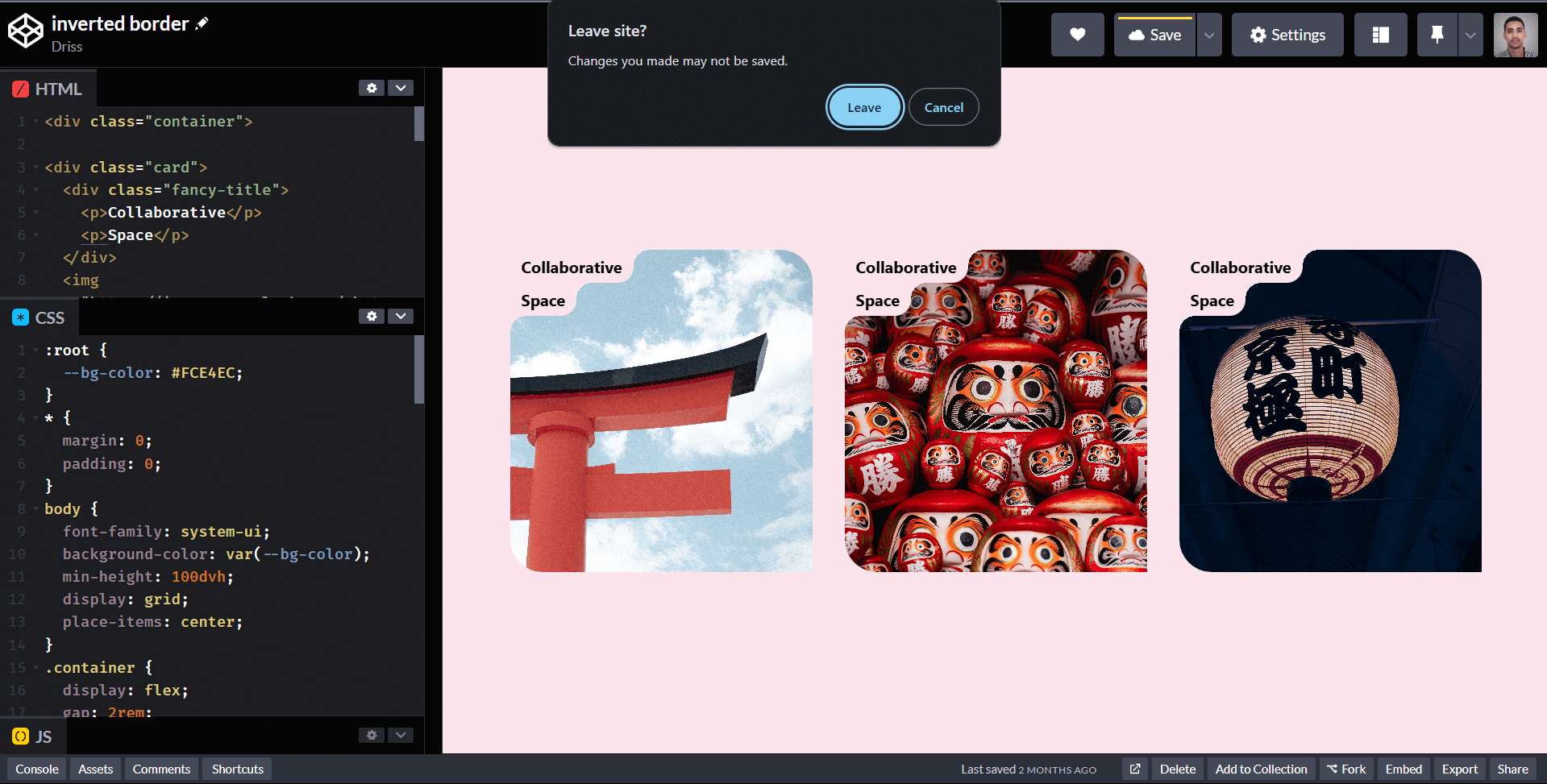
For security reasons, browsers show a generic message that cannot be changed, e.g. “Changes you made may not be saved.” in Chrome.
Limitations in Single-Page Applications (SPAs)
The beforeunload event only fires when the browser actually unloads the page (a full navigation away). In SPAs like React, Vue, or Angular, most navigation happens inside the app via a client-side router, meaning the page never unloads and beforeunload never fires. If a user clicks a link from your form to another route, no warning appears at all.
The solution is not the browser API but your router’s built-in navigation blocking. Every major framework has its own way of handling this, look for the navigation guard or blocker feature specific to what you’re using.
For React specifically, if you’re using React Router v6.4+, the hook you want is useBlocker. It lets you intercept in-app navigation and show a confirmation before the route changes.
Problems with beforeunload event
While this event fires on desktop browsers, it may not work as expected for mobile users. Mobile apps can turn into a background state and shut down anytime due to several factors.
An alternative way for mobile states is by using the visibilitychange event, Don’t lose user and app state, use Page Visibility is a great article By Ilya Grigorik that covers this topic.